
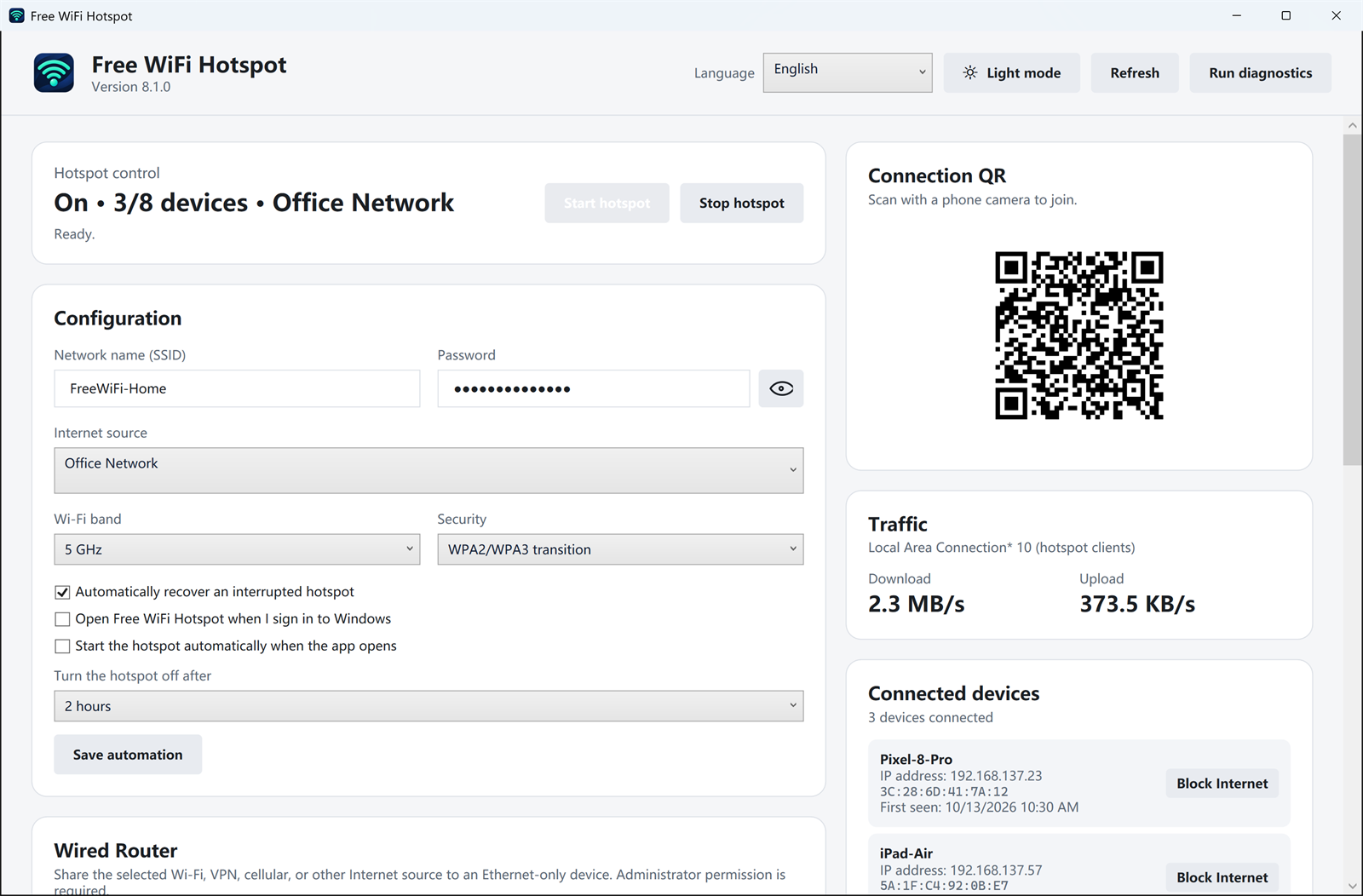
Windows 11 and Windows 10 already include a mobile hotspot. It can share Ethernet or Wi-Fi and it can show a QR code in Settings. Use that if you only need a name, a password, and a switch.
Free WiFi Hotspot 8.1.0 is for the cases where that switch is not enough. The installer is free and digitally signed.
| Task | Windows mobile hotspot | Free WiFi Hotspot 8.1.0 |
|---|---|---|
| Share Ethernet, Wi-Fi, or a phone tether | Yes, from Settings | Yes. Choose it as the internet source |
| Network name and password | Yes | Yes, on the main screen |
| 5 GHz or 2.4 GHz, WPA2 or WPA3 | Band choices vary by Windows version | Shown together when the adapter supports them |
| QR code | In the Mobile Hotspot settings | On the dashboard, next to the password |
| Live upload and download | Not in that settings page | Yes, for the devices on the hotspot |
| See each device and block its internet | A connected-device count | Name, IP address, and a block control |
| Check this PC before sharing | No single health screen | Windows, services, adapter, and internet source |
| Start on sign-in, recover, or turn off later | You turn it on yourself | Optional automation on the same screen |
| Feed a device that only has Ethernet | Not the job of Mobile Hotspot | Yes. Share the PC's Wi-Fi out through its Ethernet port |
Which one to use
Stay with Windows Mobile Hotspot if the other device joins and can browse. Install 8.1.0 if you want the QR code in front of you, a look at who is using the connection, a check of this PC when the hotspot will not start, or a way to reach a computer that has no Wi-Fi.
Neither one creates internet. If the PC cannot browse, the phone cannot either. A hotel or airline that allows only one device still enforces that rule.
Download Free WiFi Hotspot 8.1.0
Related: PC health check · automatic start and stop · 12 fixes when Windows hotspot fails