
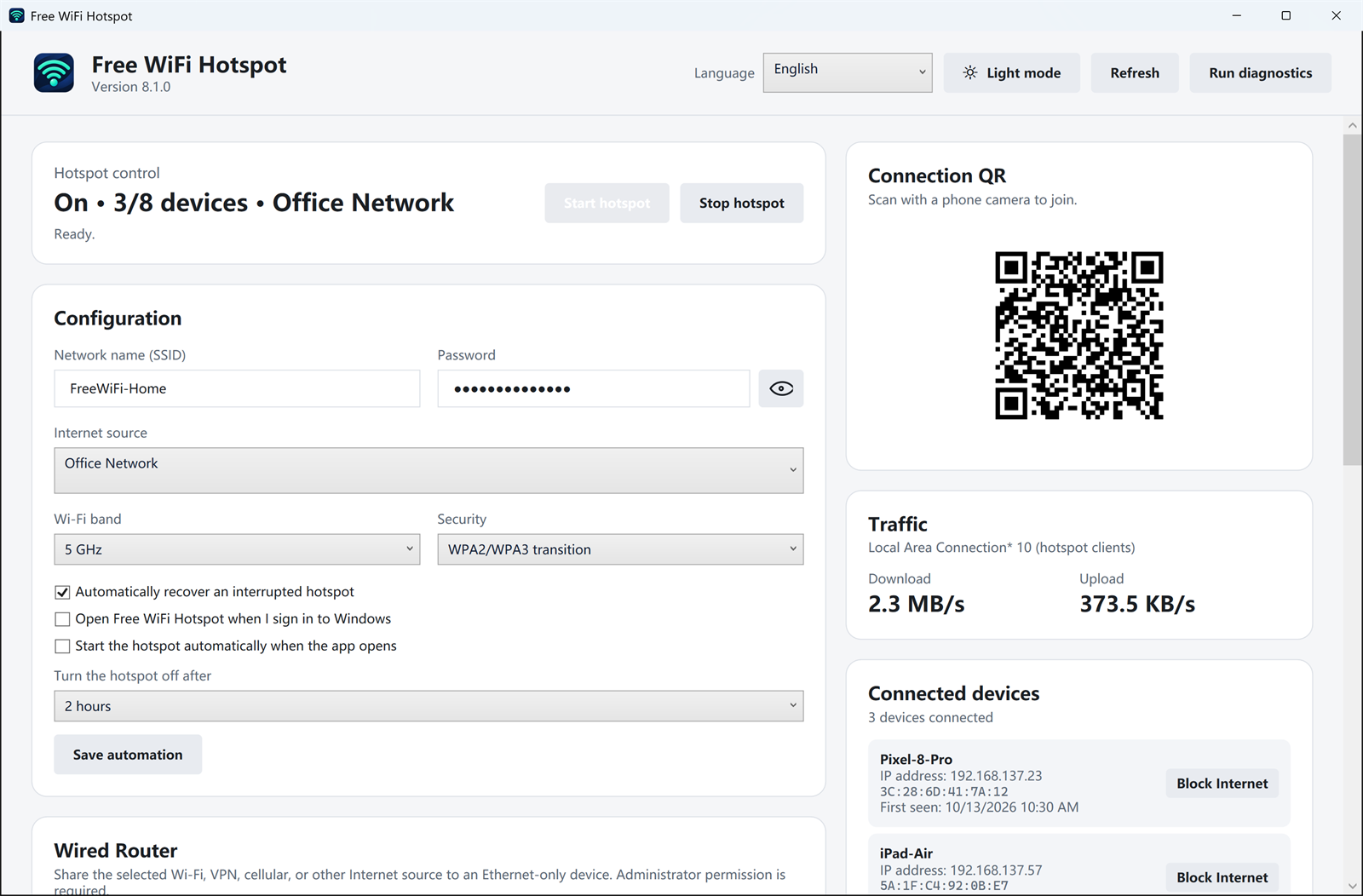
Some devices never grew a Wi-Fi adapter: a desktop in another room, a console, or a smart TV with only an Ethernet jack. If the laptop is already online over Wi-Fi, Free WiFi Hotspot can share that connection out through the laptop’s Ethernet port.
When this helps
- The laptop is connected to Wi-Fi and can browse.
- The other device has an Ethernet port and a cable to the laptop, or to a switch the laptop feeds.
- You want that device online without buying a travel router.
The app calls this out as a wired share of the selected Wi-Fi, VPN, or cellular source. Administrator approval is required because Windows is changing how the connection is shared. The upstream network’s sign-in and device rules still apply.
To do the reverse, a cable jack shared out as Wi-Fi for phones, use share Ethernet as Wi-Fi.