
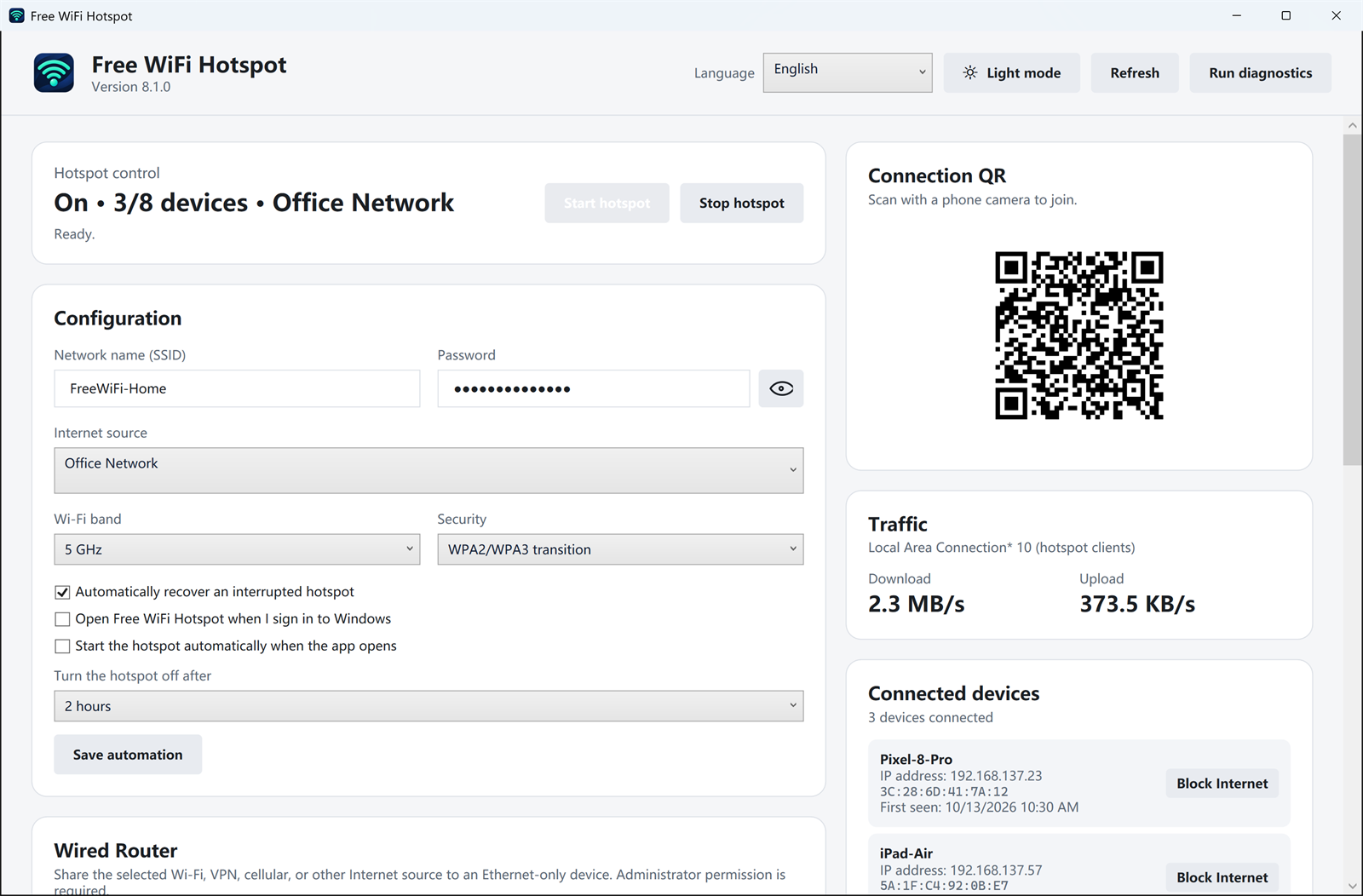
A dorm, office, or hotel room sometimes has a cable jack and no Wi-Fi for phones. If that Ethernet connection already works on the PC, Free WiFi Hotspot can share it as a normal Wi-Fi network.
How to share the cable
- Confirm the PC itself can open a web page over Ethernet.
- Open Free WiFi Hotspot and choose that Ethernet connection as the internet source.
- Set a network name and a password you do not use for email or your home router.
- Start the hotspot. On the phone, pick the new network or scan the QR code.
This is the same job people describe as a virtual router: the PC stays plugged into the cable, and nearby devices use Wi-Fi. It does not create internet of its own, and it does not remove a sign-in page or a one-device rule on the upstream network. If the PC cannot browse, the phones will not either.
A device with no Wi-Fi at all, such as an old desktop that only has an Ethernet port, is the other direction. That setup is covered in sharing Wi-Fi to an Ethernet-only device.